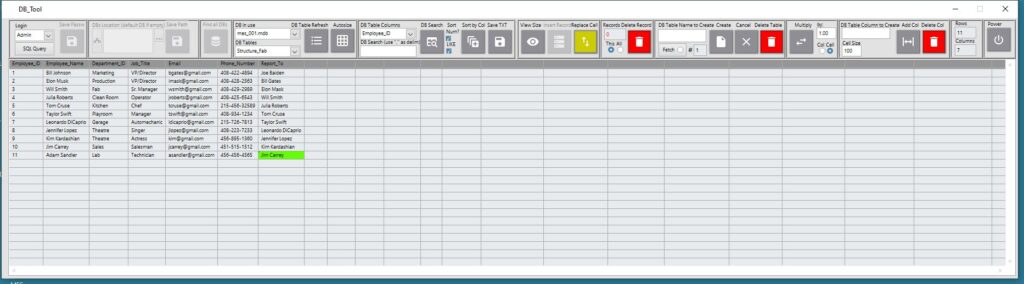
Laplanda String DB Tool is a database management tool that helps any small business efficiently organize its operations. Every small business needs to create and store information about employees, products, suppliers, transactions, accounting, salaries, expenses, and more. Laplanda String DB Tool combines all these functions.
Laplanda String DB Tool combines:
- Database management
- Real-time data acquisition
- Automation logic
- Hardware integration
- Scalable system architecture
Unlike traditional database tools, this platform is designed for engineers, automation systems, and data-driven environments, allowing you to move from data collection to structured intelligence in real time.
Installation
- Windows OS
- Installation as standalone desktop application
- Local database (MS Access) support
- Remote database support (MySQL / scalable architecture)
- Installation package (.exe + installer)
- Code Signing Certificate (verified publisher installation)
- Runtime Engine auto-install (LabVIEW environment support)
- User-level access setup (admin / operator roles)
- File system permission configuration (write access enabled)
- Custom branding option (replace logo/UI)
YOUTUBE VIDEO TUTORIALS
Below are step-by-step tutorials showing how the system is built and used.
1.Introduction to Database Tool
Learn the fundamentals of the platform, database concepts, and system architecture.
2.Table Structure & Data Logic
Understand how tables are structured and how data is organized.
3.Database Interaction
Learn how to connect UI with database operations.
4.Data Management Functions
Explore insert, delete, and replace operations.
5.Advanced Table Operations
Work with multiple tables and structured workflows.
6.UI & System Logic
Understand how the interface interacts with backend logic.
7.Real-World Applications
See how database systems are used in engineering environments.
8.Data Validation & Integrity
Learn how the system protects data and ensures reliability.
9.Real-Time Data Acquisition
Connect sensors and collect live data into the database.
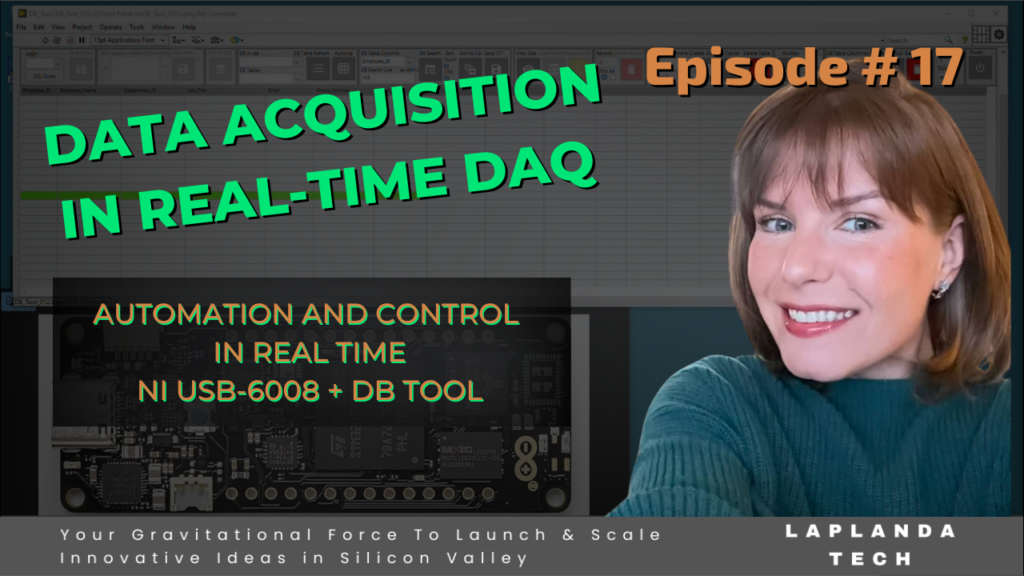
10.Automated Data Pipeline
Build full pipelines: sensor – table – storage.
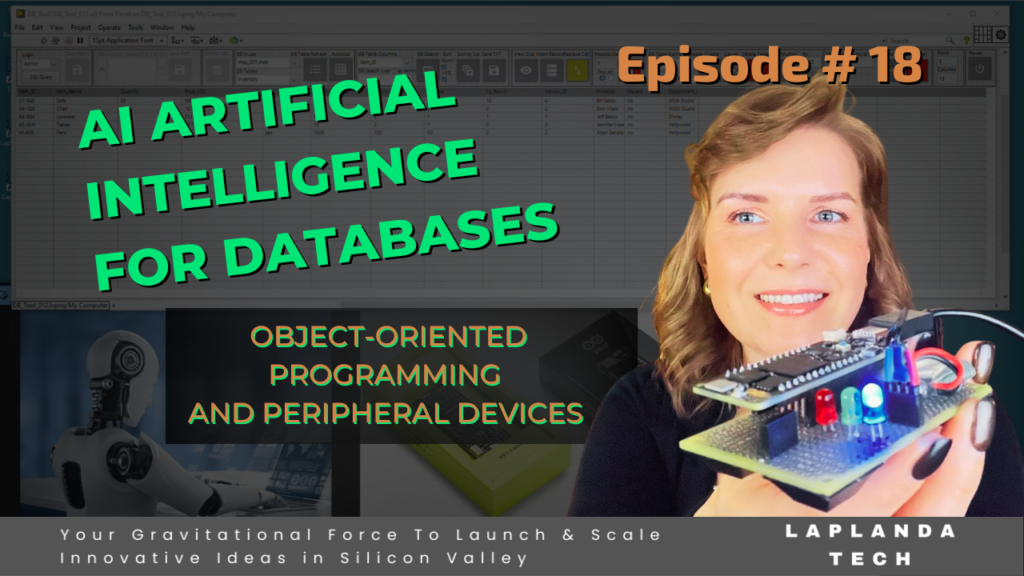
11.Advanced Operations & AI Direction
Full database control + introduction to AI integration.
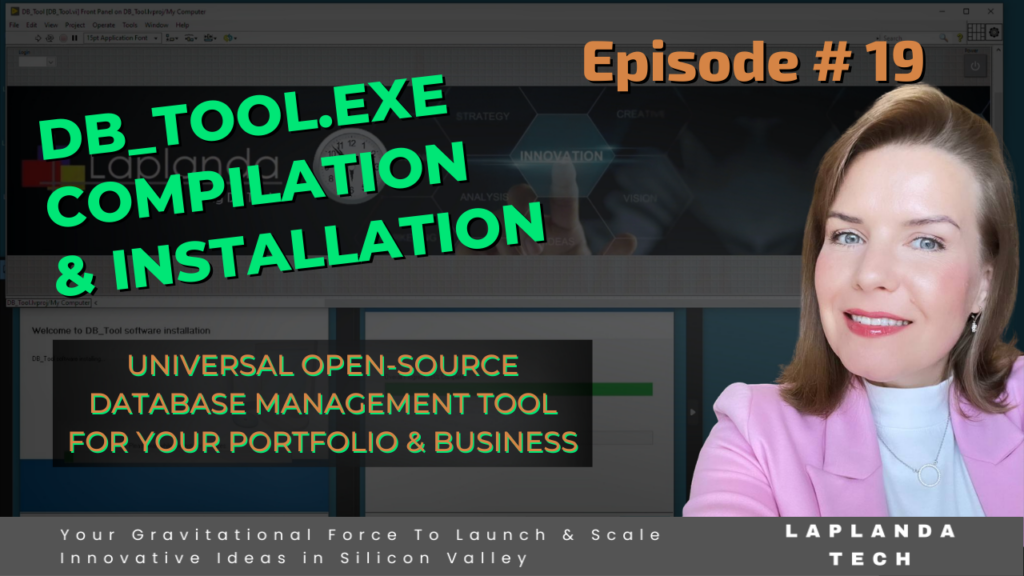
12.Deployment & Installation
Build executable, installer, and deploy system to real users.
Functions
Database Core Operations
- Open and manage multiple databases
- Select active database
- Save and encrypt database paths
- Create, delete, and manage tables
- Create, add, and delete columns
- Insert, replace, and delete records
- Export data (TXT format)
- View table size and properties
Data Processing & Control
- Search by multiple criteria
- Sort data by columns
- Perform arithmetic operations on cells and columns
- Multiply values (single cell or full column)
- Real-time UI updates of table data
- Track number of rows and columns dynamically
Data Integrity & Validation
- Input validation before operations
- Prevent duplicate table creation
- Enforce naming rules (filtered characters)
- Handle empty or incorrect inputs
- Confirmation dialogs for critical actions
- Error handling with controlled recovery
Real-Time Data Integration
- Acquire data from sensors and DAQ devices
- Convert physical signals – digital data
- Store real-time data into database tables
- Create tables automatically from data streams
- Support multiple data sources (Fetch_1, Fetch_2…)
- Continuous data logging with timestamps
System Architecture
- Parallel processing (data acquisition + database writing)
- Event-driven programming model
- State machine execution logic
- Modular SubVI-based architecture
- Global variable communication between processes
User & Security Control
- Role-based access (Operator / Admin)
- Secure database operations
- Controlled UI workflow (disable conflicting actions)
- Operation logs and tracking
Advanced Operations
- Replace single or multiple values
- Highlight modified data (visual feedback)
- Add and remove columns dynamically
- Execute SQL queries automatically
- Manage large data streams
Features
Engineering-Level Platform
- Modular and scalable architecture
- Designed for real engineering workflows
Real-Time System Integration
- Direct connection to sensors and hardware
- DAQ system support (e.g., NI USB devices)
- Live data visualization and logging
Automated Data Infrastructure
- Automatic table creation based on data source
- Dynamic database structure generation
- Continuous data pipeline (sensor – database)
Data Safety & Reliability
- Input validation and error prevention
- State-based execution logic
- Controlled database operations
- Safe connection management (open / execute / close)
Full Database Lifecycle Management
- Complete CRUD operations
- Table and column management
- Data manipulation and transformation
User Experience & UI
- Interactive graphical interface
- Auto-resize tables
- Color-based data highlighting
- Real-time updates
Industrial & Business Ready
- Suitable for manufacturing systems
- Suitable for test systems and labs
- Suitable for automation and IoT
- Scalable for multi-user environments
Deployment Ready
- Executable build (.exe)
- Installer package with dependencies
- Code signing (trusted publisher)
- Easy distribution and installation